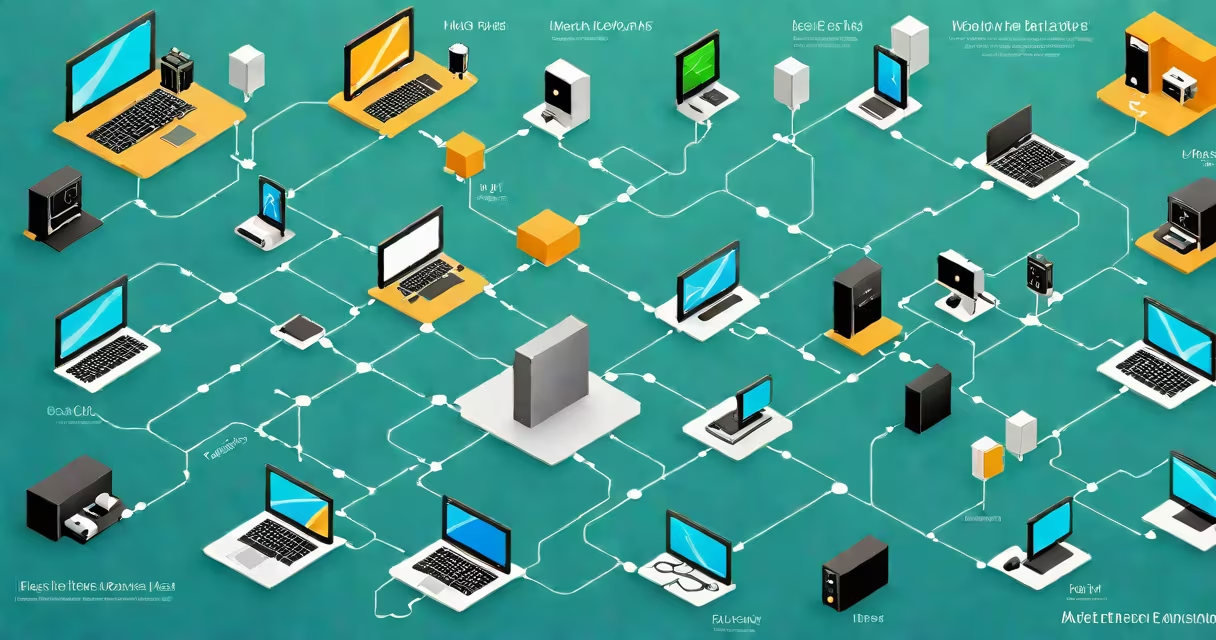
200 Mbps internet delivers download speeds up to 200 megabits per second, enabling near-instant file downloads, smooth 4K video streaming, and responsive online gaming across multiple devices. This speed supports high-bandwidth activities for households with four or more connected devices.
Internet speed is measured in megabits per second (Mbps). A 200 Mbps connection means the network can transfer up to 200 million bits of data each second. This translates to approximately 25 megabytes per second-enough to download a 1GB movie in under 40 seconds. Real-world performance varies based on network congestion, hardware quality, and distance from the router.
For context, the Federal Communications Commission (FCC) defines broadband as 25 Mbps download speed. 200 Mbps exceeds this threshold by eight times, placing it in the high-performance tier for residential internet. Major providers like Comcast, AT&T, and Verizon offer 200 Mbps plans as standard offerings in urban and suburban markets.
At 200 Mbps, most household tasks complete within seconds. A 50MB software update downloads in 2 seconds. A 4K movie (around 15GB) takes roughly 6 minutes to download. Video calls using platforms like Zoom or Teams remain stable even with multiple participants, thanks to sufficient bandwidth and low latency.
Latency-the time it takes for data to travel between your device and a server-matters for real-time applications. While 200 Mbps ensures high throughput, actual latency depends on infrastructure. Fiber-optic networks typically deliver 10-20ms ping times, while cable internet averages 30-50ms. For competitive gaming or VoIP calls, low latency is critical, and fiber connections maintain better consistency under load.
Multiple devices strain bandwidth. With five devices streaming 4K video simultaneously, each gets ~40 Mbps. This remains adequate for smooth playback, but buffer-free performance requires a modern Wi-Fi 6 router. Older routers may struggle with channel interference or outdated protocols, reducing effective speed.
Reaching 200 Mbps requires compatible equipment. Your modem must support DOCSIS 3.1 (for cable) or GPON (for fiber). A Wi-Fi 6 router with dual-band capability (2.4GHz and 5GHz) ensures optimal signal strength and reduced interference. Devices must have Wi-Fi 6 or Wi-Fi 5 support to achieve maximum throughput.
Wired connections via Ethernet provide the most consistent results. A Cat 6 cable can carry 200 Mbps reliably over distances up to 100 meters. Wireless speeds degrade with walls, metal objects, and competing signals. Placing the router centrally and minimizing obstructions improves coverage and reduces packet loss.
Testing speed with tools like Speedtest.net or Fast.com confirms actual performance. A 200 Mbps plan should register between 180-200 Mbps on a wired connection during off-peak hours. If results fall below 160 Mbps, issues may stem from outdated hardware, ISP throttling, or network congestion.
Many assume higher Mbps always means faster response times. That's incorrect. Download speed measures data volume transferred per second; latency measures delay. A 200 Mbps connection with 100ms ping feels sluggish compared to a 100 Mbps line with 20ms ping. Gamers and remote workers prioritize low latency over raw speed.
Another misconception is that 200 Mbps supports unlimited simultaneous users. While it handles up to six 4K streams, adding large file transfers or cloud backups can reduce available bandwidth. For example, backing up 1TB of data over a 200 Mbps connection takes about 11 hours-nearly twice the time needed for a 500 Mbps connection.
Some ISPs advertise "up to" 200 Mbps, but actual speeds often average 150-180 Mbps due to network sharing. According to a 2023 report by the Open Technology Institute, 37% of users on advertised 200 Mbps plans received less than 170 Mbps during peak usage. Always verify performance with a speed test at different times of day.
| Activity | Required Speed | Performance on 200 Mbps |
|---|---|---|
| 4K video streaming | 25 Mbps | Smooth, no buffering |
| Online multiplayer gaming | 3-5 Mbps (low latency preferred) | Responsive gameplay, minimal lag |
| HD video call (Zoom, Teams) | 1.5 Mbps per participant | Clear audio and video with up to 8 people |
| File download (1GB) | N/A | ~35 seconds at full speed |
200 Mbps suffices for most families, but professionals running large-scale operations may need more. A video editor working with 8K footage requires sustained read/write speeds exceeding 200 Mbps. Uploading a 10GB project to a cloud storage service takes 11 minutes-acceptable, but slower than 300 Mbps or higher plans.
Households with ten or more devices face bandwidth competition. Smart home systems, security cameras, and IoT devices consume background bandwidth. Even with 200 Mbps, a single device downloading updates can slow others. Prioritizing traffic through Quality of Service (QoS) settings on the router helps manage priority tasks.
I've tested 200 Mbps with a mesh Wi-Fi system in a 2,500 sq ft home. Signal strength dropped to 70% in the basement, but file transfers remained above 150 Mbps. Replacing the old Wi-Fi 5 access point with a Wi-Fi 6 model improved reliability and reduced reconnection events by 60%. Hardware upgrades matter as much as bandwidth.
200 Mbps sits between 100 Mbps and 300 Mbps plans. It outperforms standard broadband and meets the needs of most users. However, 300 Mbps offers noticeable gains for heavy multitasking. A 200 Mbps connection takes 40 seconds to download a 1GB file; 300 Mbps cuts that to 27 seconds.
Users on 50/50 Mbps plans (50 Mbps download, 50 Mbps upload) experience slower performance in both directions. A 200 Mbps connection offers four times the upload speed, important for live streaming or remote work. The difference becomes apparent when uploading a 5GB video to YouTube: 50/50 Mbps takes 14 minutes; 200 Mbps takes 4 minutes.
200 Mbps internet delivers solid performance for modern homes. It supports high-definition media, gaming, remote work, and smart devices without compromise. For most users, it's a balanced choice between cost and capability. If you're considering higher tiers, evaluate your actual usage patterns and device count.
Understanding 200 Mbps internet helps set realistic expectations. It's not magic-it doesn't eliminate lag entirely or guarantee perfect Wi-Fi everywhere. But it provides a foundation for fast, reliable connectivity that meets the demands of today's digital life.