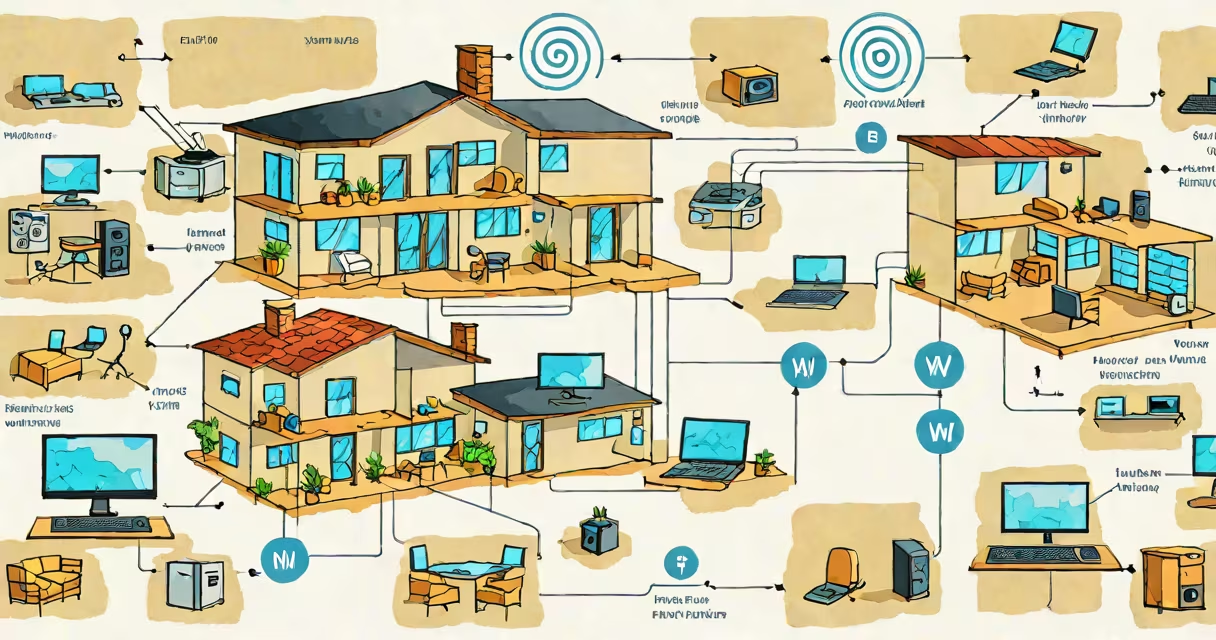
WLAN stands for wireless local area network, the technical term for the network infrastructure that enables Wi-Fi connectivity between devices within a limited geographic area, such as a home or office.
WLAN is the underlying system that allows devices like laptops, smartphones, and smart speakers to connect to the internet or each other without physical cables. It operates using radio frequencies, typically 2.4 GHz or 5 GHz bands, governed by IEEE 802.11 standards.
When you see "Wi-Fi" on your phone's network list, you're connecting to a WLAN. The term "Wi-Fi" is a marketing brand name for products that comply with these IEEE 802.11 standards. So while "Wi-Fi" describes the service, "WLAN" defines the network architecture behind it.
A WLAN functions through a central access point-usually a wireless router-that broadcasts a signal across a designated space. Devices equipped with Wi-Fi adapters detect this signal and establish a connection using authentication protocols like WPA2 or WPA3.
Once connected, devices send and receive data packets over the air. These packets travel between the client device and the access point, which then forwards them to the internet via a wired connection. This process happens at speeds ranging from 150 Mbps (802.11n) to over 9 Gbps (802.11ax, or Wi-Fi 6).
For example, when you stream a video on your tablet from a cloud service, the request travels from your tablet to the router via radio waves, then through your modem to the internet. The response follows the reverse path, all managed by the WLAN protocol stack.
WLAN implementations differ based on speed, frequency, and range. The most widely adopted standards are defined by the Institute of Electrical and Electronics Engineers (IEEE) under the 802.11 family.
| Standard | Frequency Band | Max Theoretical Speed | Use Case |
|---|---|---|---|
| 802.11b | 2.4 GHz | 11 Mbps | Legacy systems, low-bandwidth tasks |
| 802.11g | 2.4 GHz | 54 Mbps | Older homes, basic web browsing |
| 802.11n | 2.4 GHz / 5 GHz | 600 Mbps | Home networks, video streaming |
| 802.11ac | 5 GHz | 1.3 Gbps | High-speed environments, gaming |
| 802.11ax (Wi-Fi 6) | 2.4 GHz / 5 GHz / 6 GHz | 9.6 Gbps | Modern homes, dense device environments |
Each standard improves upon the last in bandwidth, efficiency, and interference handling. For instance, Wi-Fi 6 introduces OFDMA and BSS coloring, which reduce congestion in high-density areas like apartment buildings or stadiums.
Many people assume "WLAN" and "Wi-Fi" are interchangeable. While they often refer to the same setup, they are not synonymous. Wi-Fi is a trademarked term owned by the Wi-Fi Alliance, while WLAN is a generic technical term for any wireless network using the 802.11 protocol.
Another misconception is that WLAN requires a password. Not all WLANs are secured. Open networks-like those in cafes or airports-allow free access but pose security risks. According to the National Institute of Standards and Technology (NIST), unsecured WLANs are vulnerable to eavesdropping and man-in-the-middle attacks.
A lesser-known fact: WLAN can operate independently of the internet. A peer-to-peer connection between two laptops using ad-hoc mode creates a functional WLAN without any external network. This is useful for file transfers in remote locations or during emergencies when internet access is unavailable.
Consider a household with a router supporting 802.11ac. The homeowner configures the SSID (network name) to "HomeNet_5G" and sets a WPA3 password. Devices within 30 meters of the router detect the signal, authenticate, and join the network.
Once connected, a laptop downloads a 2 GB software update. The transfer completes in approximately 18 seconds due to the 802.11ac maximum speed of 1.3 Gbps. The router logs the session, tracks bandwidth usage, and manages traffic priority for video calls.
This entire interaction runs on the WLAN structure. The user sees "Wi-Fi" on their screen, but the underlying mechanism is a WLAN operating under IEEE 802.11ac specifications.
Knowing what WLAN means helps troubleshoot connectivity issues. If your device shows "Connected to WLAN" but can't access the internet, the problem may lie beyond the wireless layer-such as DNS misconfiguration or ISP outages.
I once encountered a situation where a guest's smartphone connected to a guest network but couldn't load websites. The issue was not the WLAN itself, but a firewall rule blocking outbound HTTPS traffic. Recognizing that the WLAN was functioning correctly helped isolate the root cause quickly.
For users managing multiple devices, understanding WLAN allows better decisions on network segmentation, QoS settings, and security policies. It also informs choices when upgrading hardware-knowing whether a router supports Wi-Fi 6 ensures compatibility with newer devices.
WLAN is not just a technical detail-it's the invisible structure enabling modern digital life. From smart thermostats to remote work, everything relies on this wireless network standard.