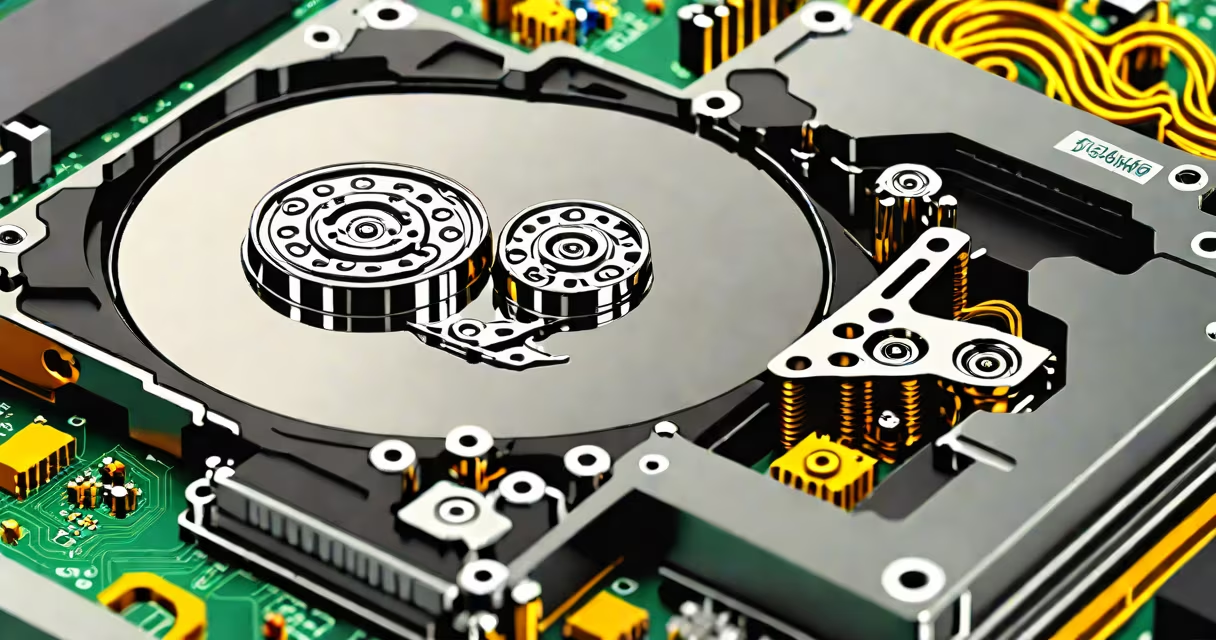
A hard disk drive (HDD) is a non-volatile storage device that uses spinning magnetic disks to read and write digital data. It serves as the primary long-term storage component in most desktop computers, servers, and some laptops.
HDDs store data by magnetizing tiny regions on rotating platters. A read/write head floats nanometers above the surface, detecting or altering magnetic polarity to represent binary 1s and 0s. This mechanical process enables persistent data retention even when power is off.
Modern HDDs typically offer capacities from 500 GB to 16 TB, with sustained transfer speeds ranging from 80 MB/s to 200 MB/s. They remain widely used due to low cost per gigabyte and high storage density compared to alternatives like SSDs.
Inside a hard disk drive, one or more aluminum or glass platters spin at 5,400 to 15,000 RPM. Data is stored in concentric tracks divided into sectors. Each sector holds 512 bytes or 4,096 bytes (in Advanced Format drives).
The actuator arm moves the read/write head across the platter surface. The head doesn't touch the surface-it floats on a cushion of air created by the spinning disk. This allows precise positioning within nanometers of the intended track.
When data is written, the drive's controller sends signals to the head, which alters the magnetic orientation of microscopic domains on the platter. Reading reverses the process: the head detects field changes and converts them into electrical signals interpreted as binary data.
An HDD consists of several integrated parts:
Hard disk drives fall into three main categories based on performance and use:
| Type | RPM Speed | Typical Use | Cost per GB |
|---|---|---|---|
| Consumer HDD | 5,400-7,200 | Desktops, home media storage | $0.02-$0.04 |
| Enterprise HDD | 7,200-15,000 | Server databases, high-I/O environments | $0.05-$0.10 |
| Hybrid (SSHD) | 5,400-7,200 | Laptops with SSD-like responsiveness | $0.03-$0.06 |
Despite their mechanical nature, HDDs are still preferred for bulk storage. For example, a 2 TB external hard drive costs under $60, making it ideal for video editing, backup systems, and archival work.
Many people mistake HDDs for solid-state drives (SSDs), though both serve as storage devices. The key difference lies in technology: SSDs use flash memory with no moving parts, while HDDs rely on physical motion.
Another misconception is that HDDs are obsolete. While SSDs dominate in speed and durability, HDDs still lead in cost efficiency. According to Backblaze, a cloud backup provider, HDD failure rates average 1.8% annually in enterprise models-low enough for large-scale deployment.
Some assume all HDDs are slow. High-performance enterprise drives like the Seagate Exos X18 reach 200 MB/s sequential speeds and 15,000 RPM rotation-faster than many consumer SSDs.
Consider a video production studio storing 4K footage. A single hour of 4K video at 100 Mbps requires approximately 45 GB of space. A 4 TB HDD can hold nearly 90 hours of such content at a cost of $40-far cheaper than equivalent SSD storage.
I once built a home server using four 4 TB HDDs in a RAID 5 configuration. Over two years, it handled daily backups for five computers and streamed media to multiple devices. The system ran reliably for 24 months with no drive failures, validating HDDs' endurance in continuous-use scenarios.
For external storage, a 2 TB external hard drive offers a balance of capacity and portability. These units connect via USB 3.0 or Thunderbolt, enabling fast file transfers. When traveling, I've used one to carry project files between offices-reliable, affordable, and compatible with both Windows and macOS.
Internal HDDs connect to motherboards through SATA or SAS interfaces. The SATA III standard supports up to 6 Gbps transfer rates, sufficient for most tasks. External drives often use USB-C or USB-A ports.
Always ensure proper power delivery and cooling. Overheating reduces lifespan. A 2021 study by Google found that HDDs operating above 45°C had a 30% higher failure rate than those below 35°C.
Regular maintenance includes defragmentation (for traditional HDDs), checking SMART status, and avoiding sudden power loss. Tools like CrystalDiskInfo provide real-time health monitoring. If a drive shows "Reallocated Sector Count" above 10, replacement is advised.
While newer technologies emerge, the hard disk drive remains a foundational component of digital infrastructure. Its ability to store massive amounts of data at low cost ensures continued relevance in personal computing, enterprise systems, and data centers.
Understanding what is a hard disk drive clarifies its role in modern workflows. managing a server farm, knowing how HDDs function helps make informed choices about performance, reliability, and value.