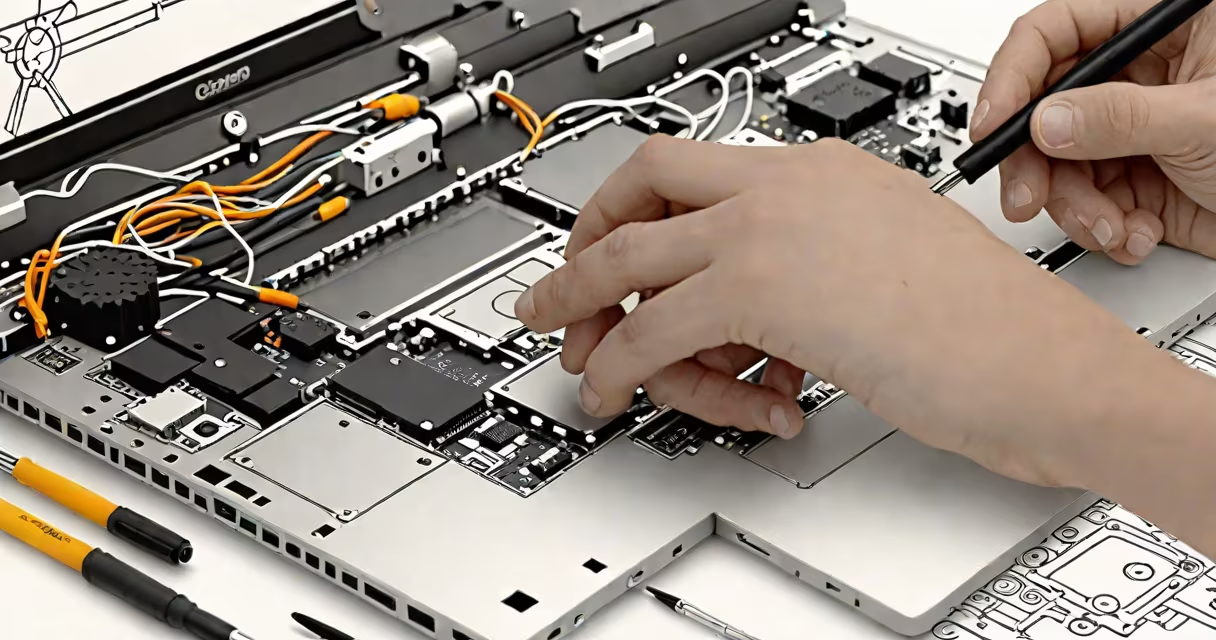
Laptop repairing training equips individuals with the technical knowledge and hands-on experience to identify, troubleshoot, and fix hardware and software failures in laptops. This structured learning path covers component-level diagnostics, soldering, BIOS recovery, and system-level software restoration using real devices.
Training begins with understanding laptop architecture. Modern laptops integrate tightly packed components-motherboards, SSDs, RAM, screens, batteries, and cooling systems-into thin chassis. A single failing capacitor or loose ribbon cable can cause boot failure, overheating, or display issues. Repairers learn to isolate faults through systematic testing, starting with power delivery, then moving to memory, storage, and peripheral interfaces.
Core curriculum includes identifying common failure modes: cracked LCD panels from drops, swollen lithium-ion batteries, failed power adapters, corrupted firmware, and overheating due to dust buildup in fans. Students practice replacing these parts using precision tools like spudgers, torque screwdrivers, and anti-static mats. They also learn to flash BIOS/UEFI firmware using USB drives and command-line utilities.
Repair processes follow a diagnostic sequence. First, observe symptoms: no power, flickering screen, frequent crashes. Next, perform visual inspection-check for physical damage, bent connectors, or burnt components. Then test individual subsystems using multimeters, logic probes, and diagnostic software like MemTest86 for RAM or CrystalDiskInfo for drives.
If a laptop won't power on, the trainee checks the DC jack, battery connector, and power management IC. A multimeter reveals whether voltage reaches the motherboard. If not, they trace the path from the adapter plug to the charging circuit. If voltage is present but no boot, they verify the CMOS battery and attempt a BIOS reset by removing the coin-cell battery for 30 seconds.
For software issues, such as Windows blue screen errors or Linux boot loops, students use live Linux USBs to access the file system, recover data, and reinstall operating systems. They learn to rebuild boot sectors using tools like Boot-Repair or Windows Recovery Environment (WinRE).
Training programs vary in depth and delivery method. Here's a breakdown of common formats:
| Type | Duration | Focus | Best For |
|---|---|---|---|
| Short-term workshop | 1-3 days | Basic disassembly, battery swap, fan cleaning | Beginners, hobbyists, quick skill refresh |
| Intermediate certification | 4-8 weeks | Component replacement, soldering, BIOS flashing | Aspiring technicians, small business owners |
| Advanced program | 12-16 weeks | PCB repair, surface-mount soldering, thermal imaging | Career changers, IT support staff, repair shop owners |
Some programs emphasize theory; others prioritize hands-on work. The most effective ones use actual broken laptops as teaching tools-not simulators. According to CompTIA's 2023 IT Skills Report, 78% of employers value hands-on repair experience over theoretical knowledge when hiring for field service roles.
Many assume laptop repair is just swapping parts. That's incorrect. A failed laptop may have multiple issues. Replacing the battery on a device that won't charge doesn't solve the root problem-the power controller IC may be damaged. Without proper diagnostics, repairers waste time and money.
Another myth: "All laptops are interchangeable." In reality, models differ widely in design. A Dell Latitude 5420 uses a different motherboard layout than a Lenovo ThinkPad X1 Carbon Gen 9. Some models require proprietary screws or special release mechanisms. Trainees learn to consult service manuals-often available from manufacturers' websites or databases like iFixit.
A non-obvious fact: many laptop repairs fail because of static discharge. Even a brief touch against a metal surface can fry delicate circuits. Trained technicians wear grounded wrist straps and work on anti-static mats. One study from the National Institute of Standards and Technology (NIST) found that 34% of hardware failures in repair shops were caused by electrostatic discharge during handling.
Consider a customer brings in a MacBook Air M1 with no display and no startup chime. The student begins by checking the power indicator-solid green, so the battery is charged. Next, they press the power button and listen for fan spin. Nothing. They suspect a power delivery issue.
Using a multimeter, they measure voltage at the MagSafe port. No reading. They inspect the cable and find a frayed wire near the connector. Replacing the charger solves the problem. But wait-the user says it worked yesterday. So why did it fail?
The student checks the internal DC jack. It's loose. They remove the bottom case, locate the soldered connection, and find a cracked joint. Using a soldering iron and flux, they reflow the joint. After reassembly, the laptop powers on normally.
This repair took 45 minutes. The cost of parts was $12. The customer saved $300 in replacement fees. The student learned that intermittent failures often stem from mechanical stress, not component wear.
With global e-waste reaching 57 million metric tons in 2022 (UNEP report), extending device life through repair reduces environmental impact. Repairing a laptop avoids manufacturing new materials and lowers carbon emissions. The European Union's Right to Repair law, effective January 2024, mandates that manufacturers provide repair documentation and spare parts for consumer electronics.
For individuals, laptop repairing training opens doors to freelance work, small business ownership, or entry into IT support roles. Many community colleges and vocational schools offer accredited programs. Online platforms like Udemy and Coursera host courses, but only those with lab access and instructor feedback deliver real competence.
After completing a certified program, graduates can pursue industry-recognized credentials such as CompTIA A+ or iFixit Technician Certification. These validate skills in hardware maintenance, network setup, and security hardening.